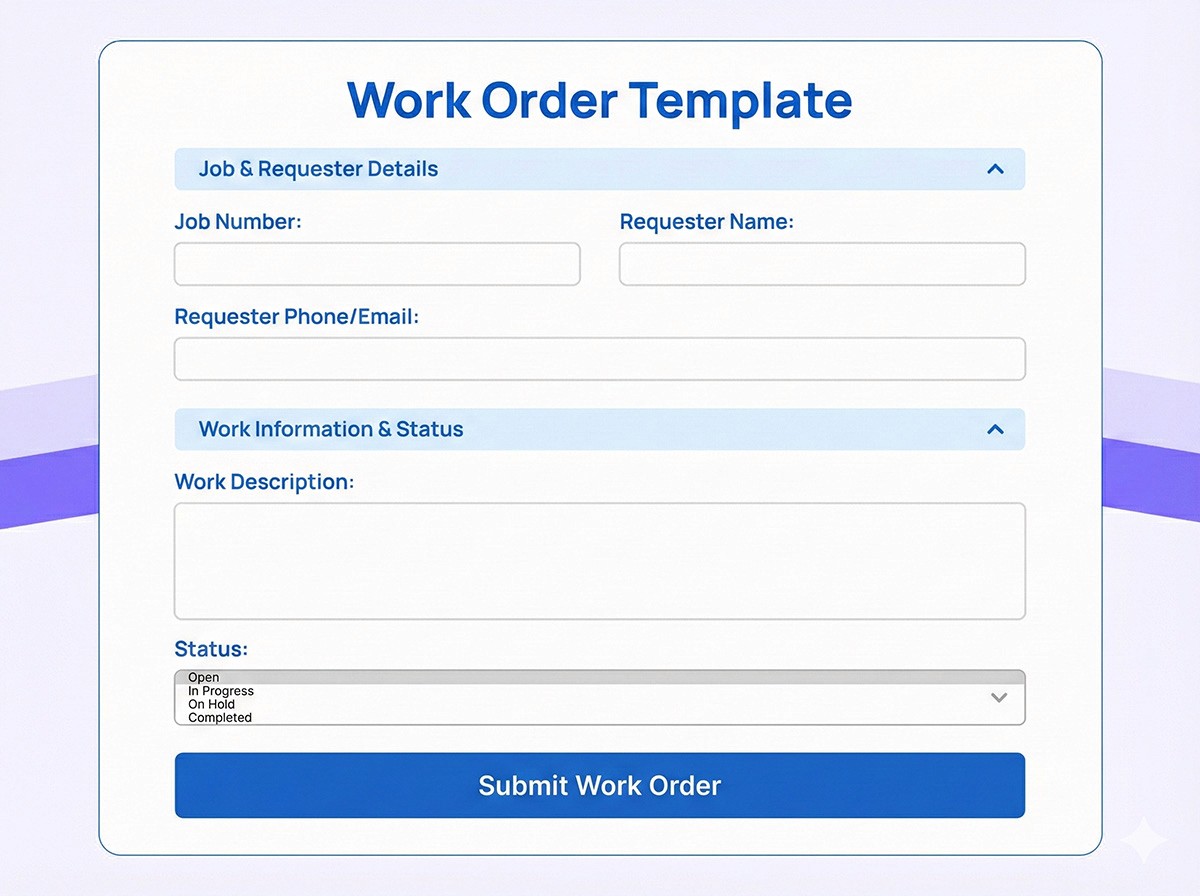
Contact Form Template

Contact Form Template

Contact Form Template

Your website gets traffic. But are you capturing those visitors as leads?

Your website gets traffic. But are you capturing those visitors as leads?

Your website gets traffic. But are you capturing those visitors as leads?

Sign up for more awesome templates.
*FREE No Credit Card Required
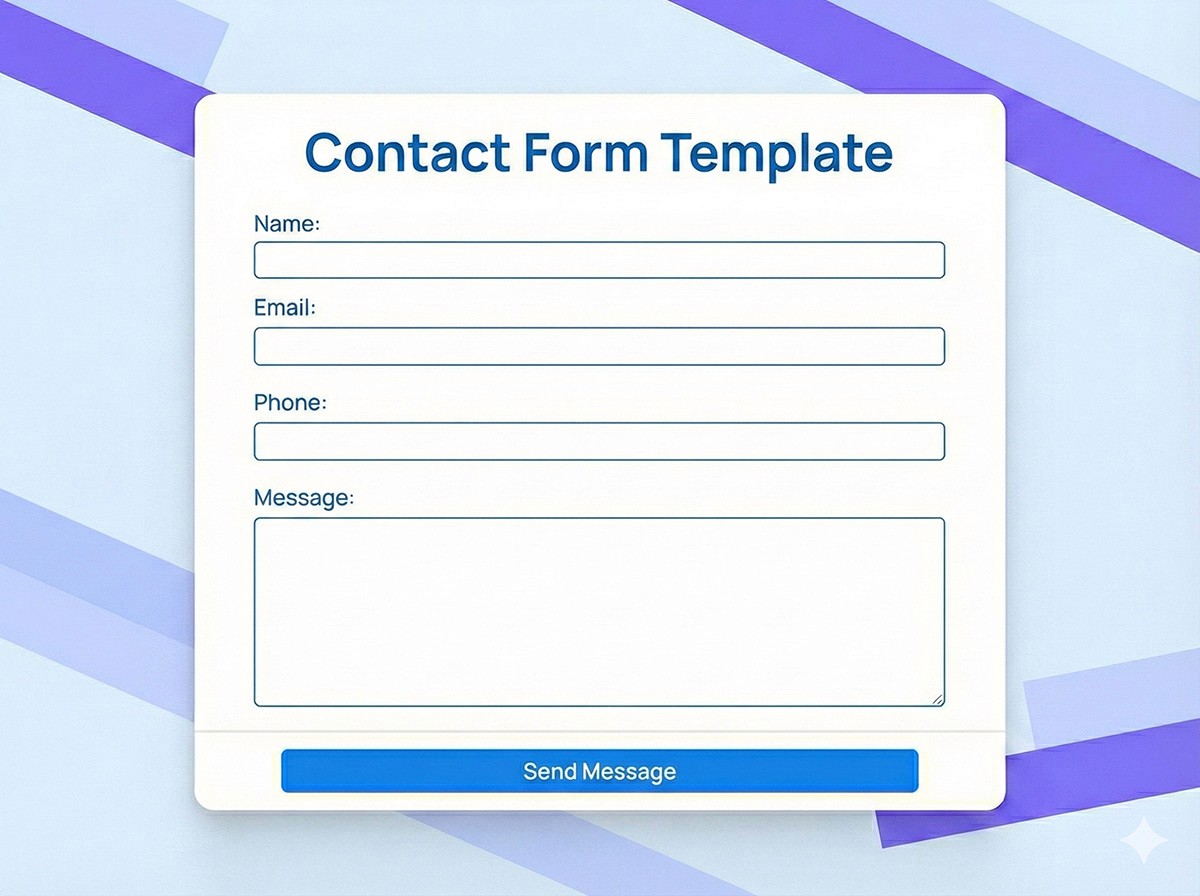
Contact Form Template

Trusted by

About this template

Someone visits your website. They're interested, but they have questions. They look for a way to contact you. If all they find is a generic email address, many will leave without reaching out. A well-designed contact form removes friction and makes it easy for visitors to connect. But not all contact forms are created equal. A basic 'name, email, message' form captures leads, but it doesn't qualify them or route them efficiently. This contact form template goes beyond basics, it helps you understand who's reaching out, what they need, and how urgent their inquiry is.

The form is smart about lead qualification. Add fields for inquiry type (sales, support, partnership), budget range, company size, or product interest. Use conditional logic to show different questions based on responses, so sales inquiries get routed to sales while support questions go to your help desk. Every submission triggers instant notifications to the right team member, and automated responses thank visitors for reaching out while setting expectations about response times. All leads are stored in your dashboard with full contact history, making follow-up seamless. Plus, integration with your CRM means new leads automatically flow into your sales pipeline without manual data entry.

FAQs

FAQs

FAQs

We’ve got the answers

What is a contact form template?

A contact form template is a pre-built form that website visitors use to get in touch with your business. It typically includes fields for name, email, phone number, and message, but can be customized to capture additional information like inquiry type, company name, or specific questions.

What is a contact form template?

A contact form template is a pre-built form that website visitors use to get in touch with your business. It typically includes fields for name, email, phone number, and message, but can be customized to capture additional information like inquiry type, company name, or specific questions.

What is a contact form template?

A contact form template is a pre-built form that website visitors use to get in touch with your business. It typically includes fields for name, email, phone number, and message, but can be customized to capture additional information like inquiry type, company name, or specific questions.

How do I create a contact form for my website?

Creating a contact form is easy with this template. Customize the fields to match your needs, add your branding, and embed the form on your website using the provided code. The form will automatically capture submissions and notify you when someone reaches out.

How do I create a contact form for my website?

Creating a contact form is easy with this template. Customize the fields to match your needs, add your branding, and embed the form on your website using the provided code. The form will automatically capture submissions and notify you when someone reaches out.

How do I create a contact form for my website?

Creating a contact form is easy with this template. Customize the fields to match your needs, add your branding, and embed the form on your website using the provided code. The form will automatically capture submissions and notify you when someone reaches out.

Can I customize the contact form to match my website design?

Absolutely. The form is fully customizable—you can change colors, fonts, add your logo, adjust the layout, and style it to perfectly match your website's design. This ensures a seamless experience for visitors.

Can I customize the contact form to match my website design?

Absolutely. The form is fully customizable—you can change colors, fonts, add your logo, adjust the layout, and style it to perfectly match your website's design. This ensures a seamless experience for visitors.

Can I customize the contact form to match my website design?

Absolutely. The form is fully customizable—you can change colors, fonts, add your logo, adjust the layout, and style it to perfectly match your website's design. This ensures a seamless experience for visitors.

Can I set up automated email responses?

Yes. You can configure the form to automatically send confirmation emails to visitors who submit the form, thanking them for reaching out and letting them know when to expect a response. You'll also receive notifications for new submissions.

Can I set up automated email responses?

Yes. You can configure the form to automatically send confirmation emails to visitors who submit the form, thanking them for reaching out and letting them know when to expect a response. You'll also receive notifications for new submissions.

Can I set up automated email responses?

Yes. You can configure the form to automatically send confirmation emails to visitors who submit the form, thanking them for reaching out and letting them know when to expect a response. You'll also receive notifications for new submissions.

Can this contact form integrate with my CRM?

Yes. The form integrates with popular CRM systems like Salesforce, HubSpot, and Pipedrive via webhooks and API connections. New contact form submissions automatically create leads or contacts in your CRM, eliminating manual data entry.
Can this contact form integrate with my CRM?

Yes. The form integrates with popular CRM systems like Salesforce, HubSpot, and Pipedrive via webhooks and API connections. New contact form submissions automatically create leads or contacts in your CRM, eliminating manual data entry.
Can this contact form integrate with my CRM?

Yes. The form integrates with popular CRM systems like Salesforce, HubSpot, and Pipedrive via webhooks and API connections. New contact form submissions automatically create leads or contacts in your CRM, eliminating manual data entry.

Similar templates