*FREE No Credit Card Required
Feature Comparison
Formflow vs. WPForms Product Comparison
Scale your business with interactive forms tailored to your customers responses.
Visual Workflow Builder
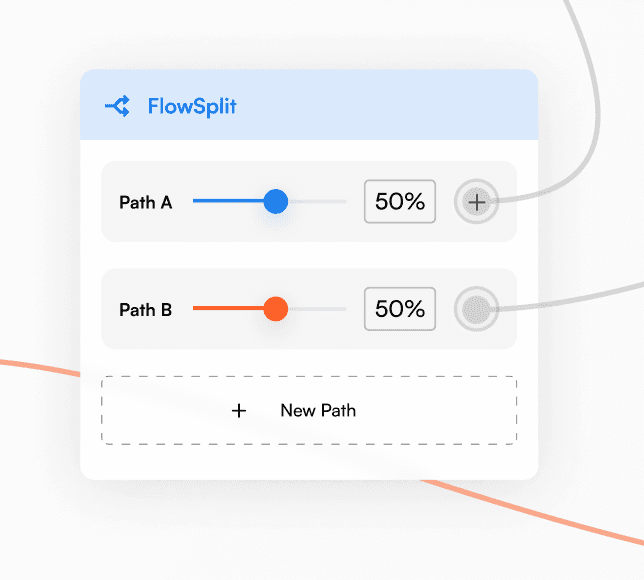
Formflow's standout visual workflow builder allows you to design and visualize complex form flows effortlessly using a drag-and-drop interface. Easily create multi-step forms, connect elements, and establish conditional paths - no coding required.

Easy Interactive Logic
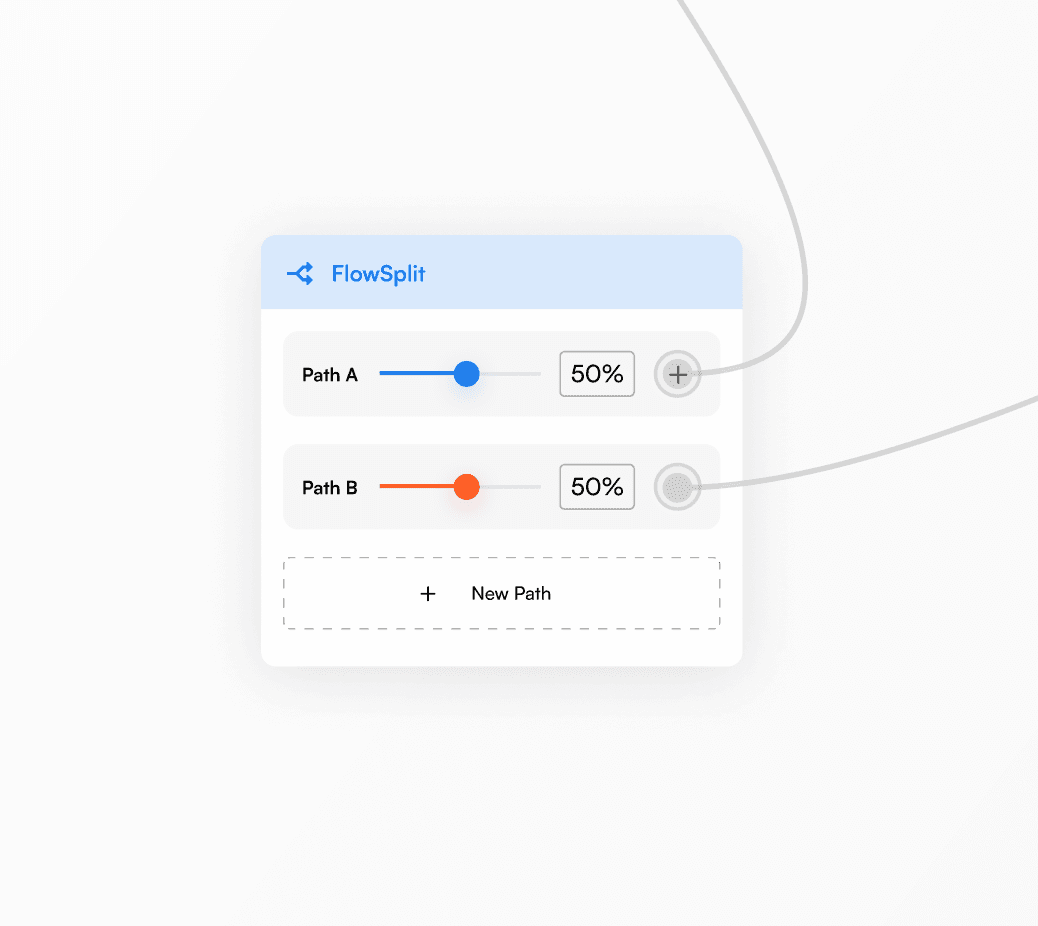
Build highly interactive, personalized forms that adapt to user responses with Formflow's intuitive visual logic builder. Simply drag, drop, and connect elements to create sophisticated logic flows that boost engagement and conversions - a level of ease unmatched by WPForms' basic logic options.
Real-Time Email Validation
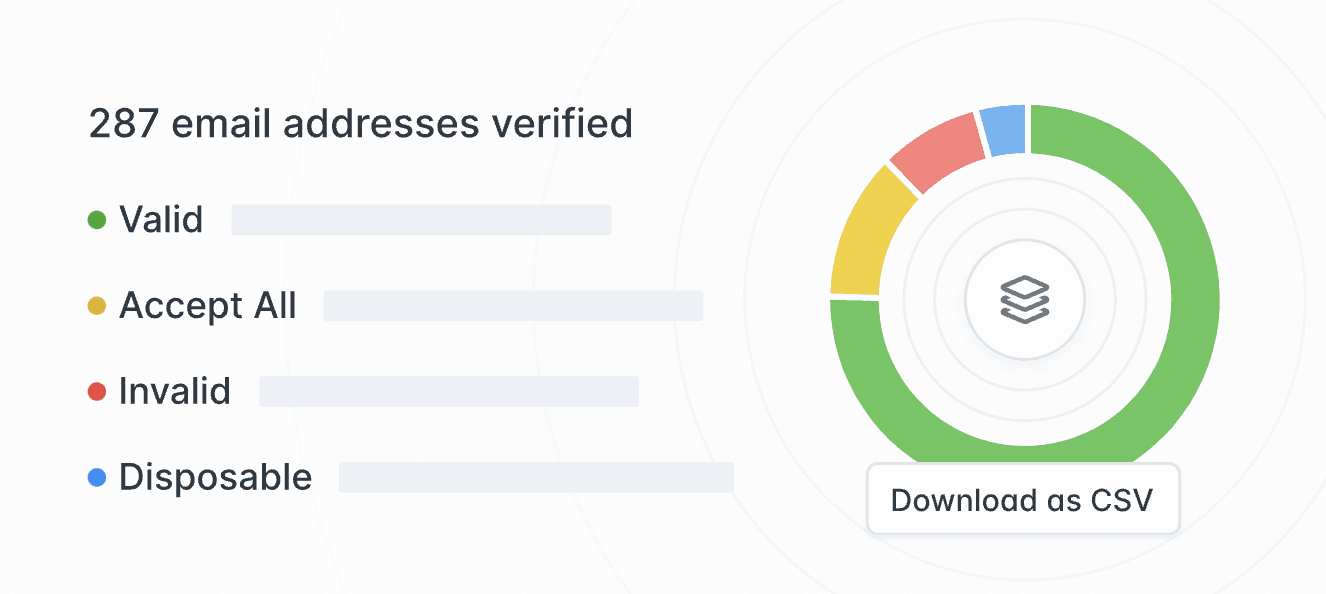
Ensure flawless data quality and maintain spotless email lists with Formflow's real-time email validation feature. As users type their addresses, this advanced capability instantly verifies accuracy and deliverability, preventing issues with bounced emails that can plague other form builders.
Who Should Switch from WPForms to Formflow?
Key Takeaway
TL;DR: Formflow vs WPForms
FAQs
Can I use Formflow without WordPress?
Yes. Every Formflow form comes with a hosted public link and embed code that works on any site. No WordPress, no plugin, no CMS needed.
Can I migrate my WPForms forms to Formflow?
Yes. You can rebuild your forms in Formflow's visual canvas. Most simple forms take a few minutes to recreate.
Is Formflow easier to use than WPForms?
For simple contact forms, WPForms is familiar if you already use WordPress. For anything involving multi-step flows, conditional logic, or branching paths, Formflow is significantly easier because you can see the entire flow visually on a canvas rather than working through a list of fields and settings.
Does Formflow offer the same integrations as WPForms?
Formflow integrates natively with Google Sheets, Airtable, Notion, Slack, Mailchimp, HubSpot, Stripe, Zapier, Make, Pipedream, Meta Pixel, Google Analytics, and more. Webhooks are available from the Starter plan. WPForms locks most of its major integrations behind the Pro or Elite tiers.
How does Formflow handle conditional logic compared to WPForms?
WPForms shows or hides fields based on input. Formflow uses a visual logic canvas with a dedicated Conditional Split node and multiple form endings. You can see exactly how your form behaves before it goes live.
What happens if I hit my submission limit on Formflow?
Your forms never break. Submissions queue privately for 14 days. You can unlock them by adding a credit pack or upgrading your plan. There are no overages or surprise charges.