This section covers two powerful features inside Formflow: @Mentions and Query Parameters.
Both allow you to dynamically reference user inputs, personalize messaging, and pass data through form URLs.
Using @Mentions
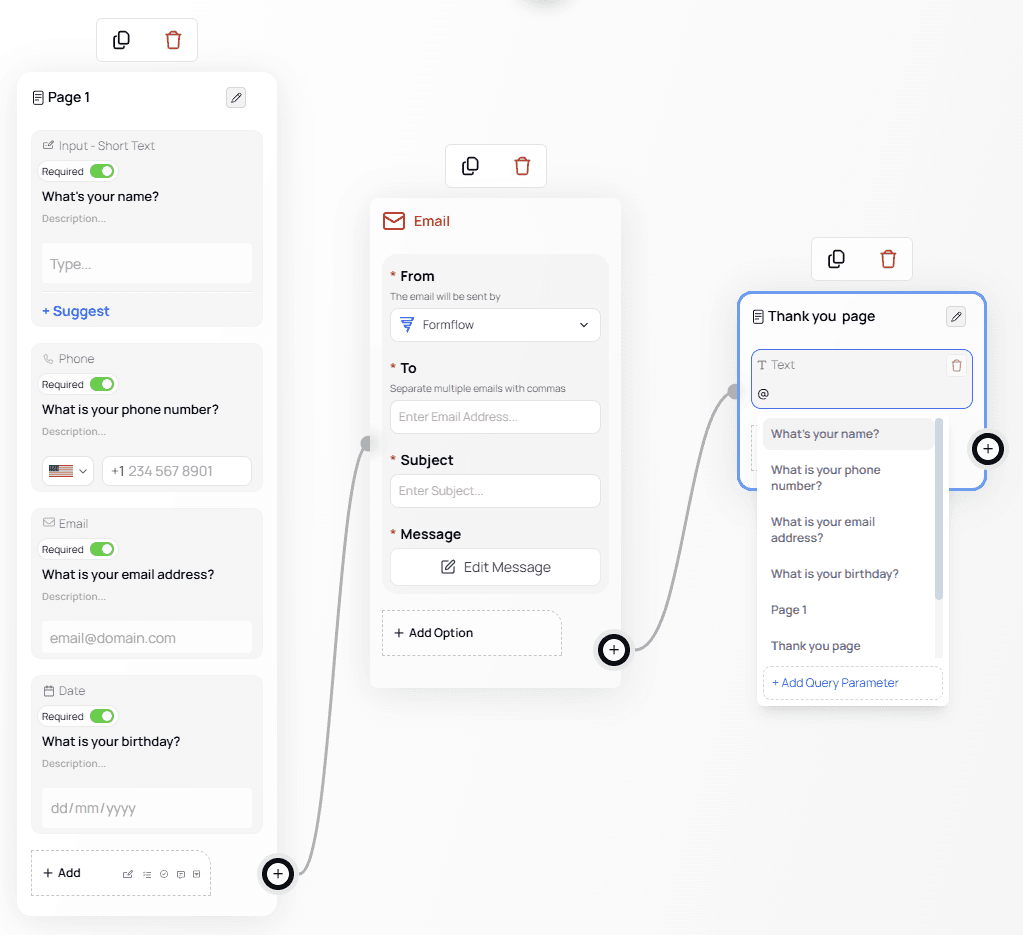
@Mentions let you reference values from your form anywhere inside the Canvas — including email notifications, conditional logic, and text nodes.
When typing @, a menu appears showing all available mentions from your form.
How @Mentions Work
Each question and page automatically generates an associated @Mention.
The value of the @Mention is mapped to the current name of that question or page.⚠️ Important:
If you add an @Mention, then later rename the question, the mention will no longer be mapped correctly.
You must delete and reinsert the updated @Mention after renaming.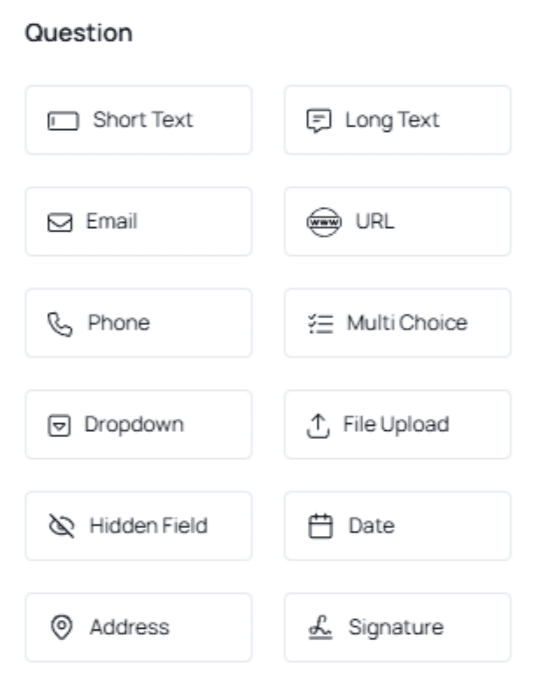
Using @Mentions in Email Notifications
You can use @Mentions to make emails fully dynamic:
In the To field (send email to an email entered by the user)
In the Subject
In the Message body
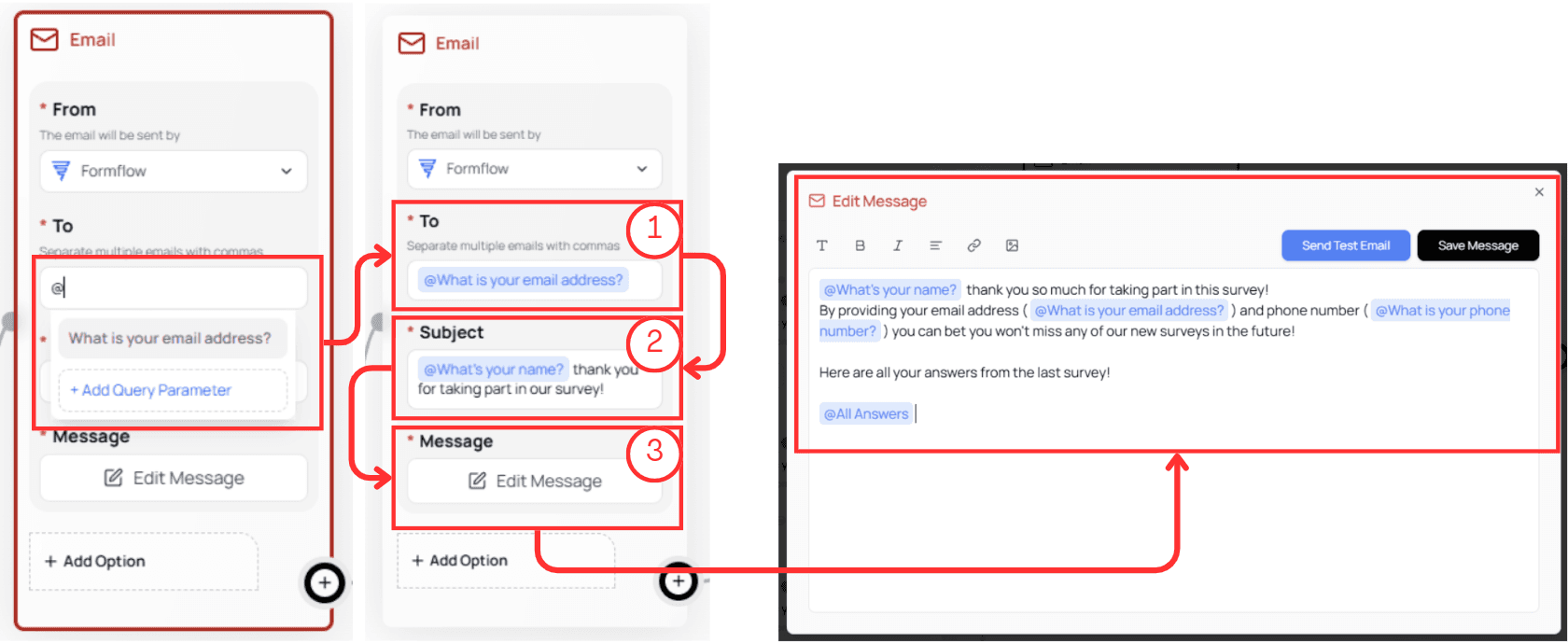
This allows you to automatically send personalized emails based on users’ answers.
Using @Mentions in Text Nodes
Text nodes can display dynamic content directly on the form.
Example:
Greeting the user by name and showing their selected answers.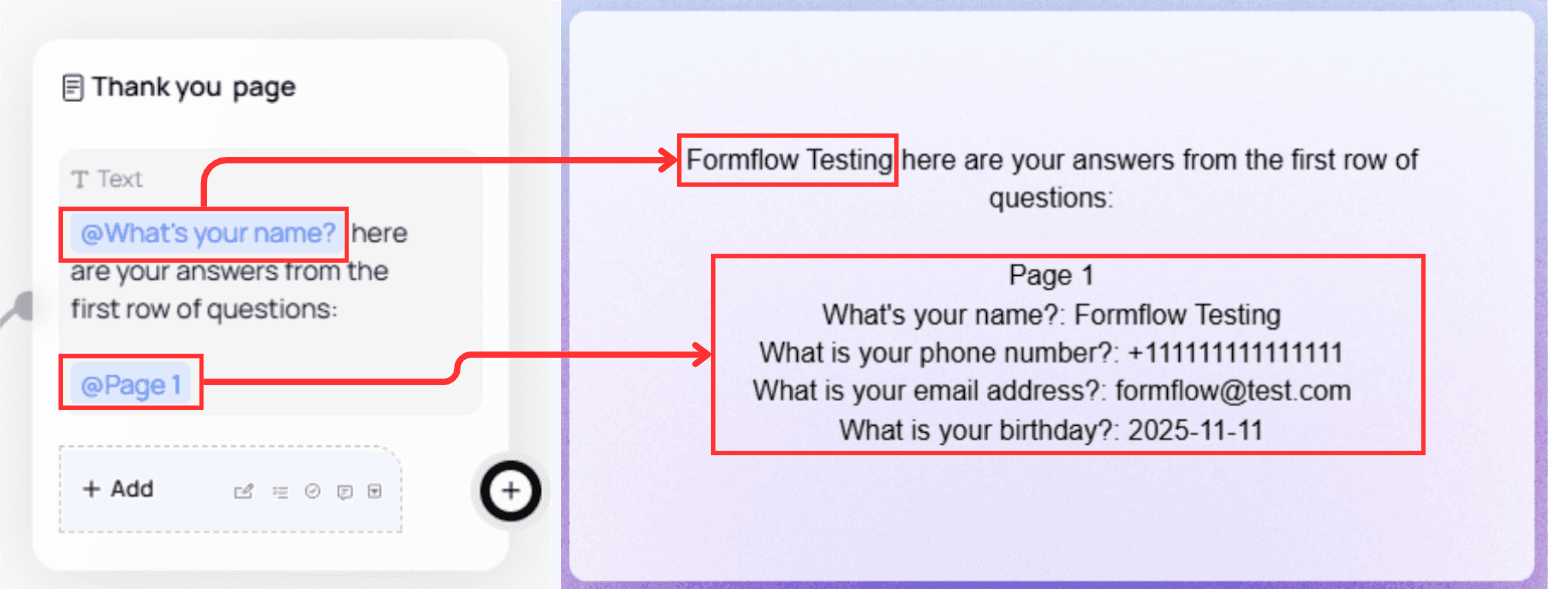
Special Mentions
Address Node Mentions
The Address node contains multiple @Mentions — one for each field.
You can reference the entire address or only specific fields.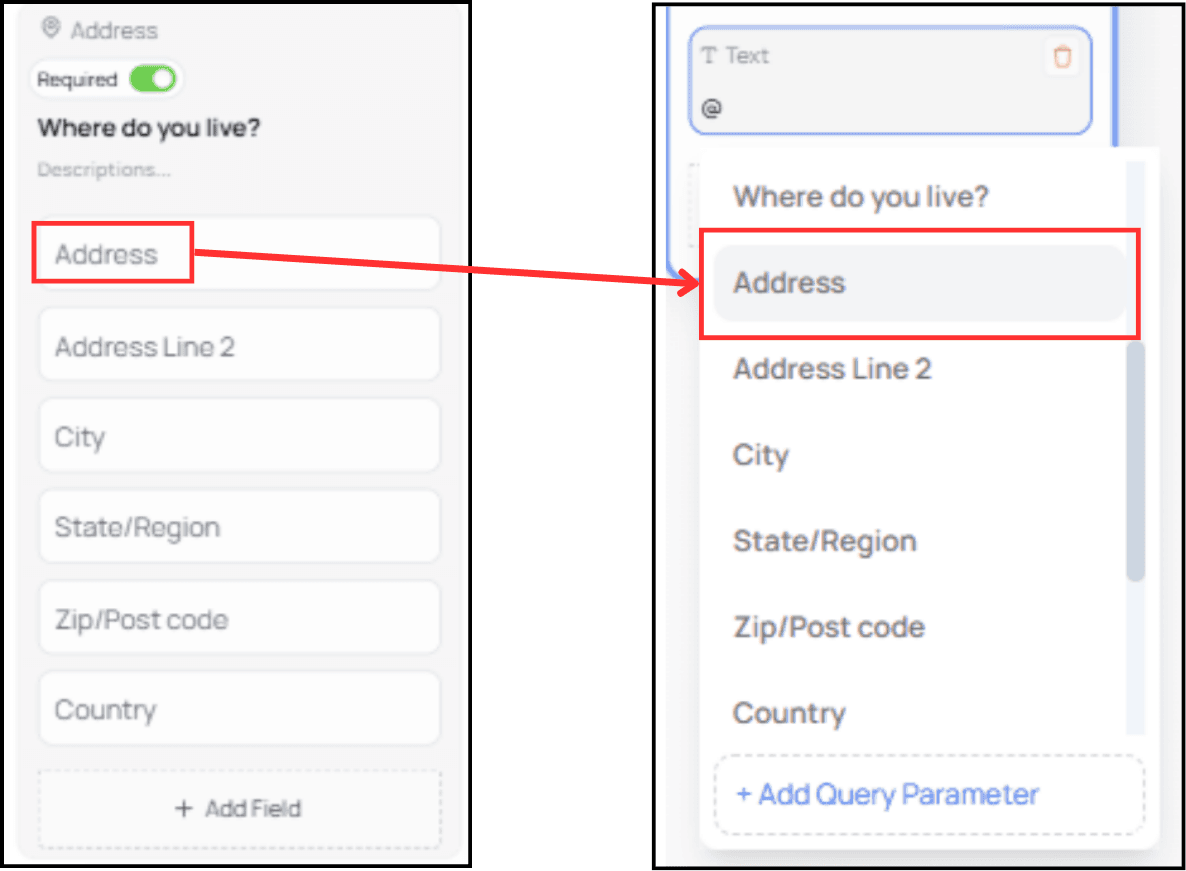
Submission ID
Every submission has a unique ID. It's normally hidden, but you can show it to users by inserting its @Mention.
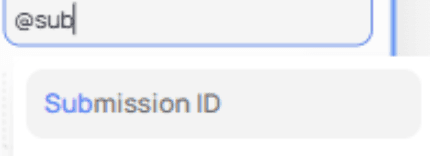

This is helpful for support, tracking, or ticketing workflows.
Using Query Parameters
Another available option in the @Mention panel is Add Query Parameter.
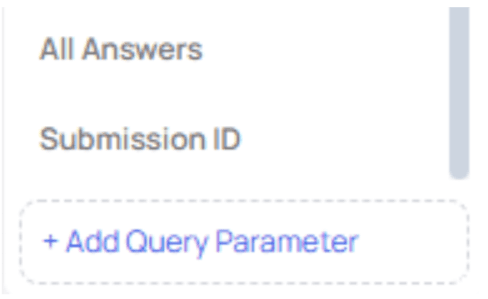
Query Parameters allow you to capture values from the URL and display or use them in your form.
Creating a Query Parameter Mention
Click Add Query Parameter, then define your parameter name.
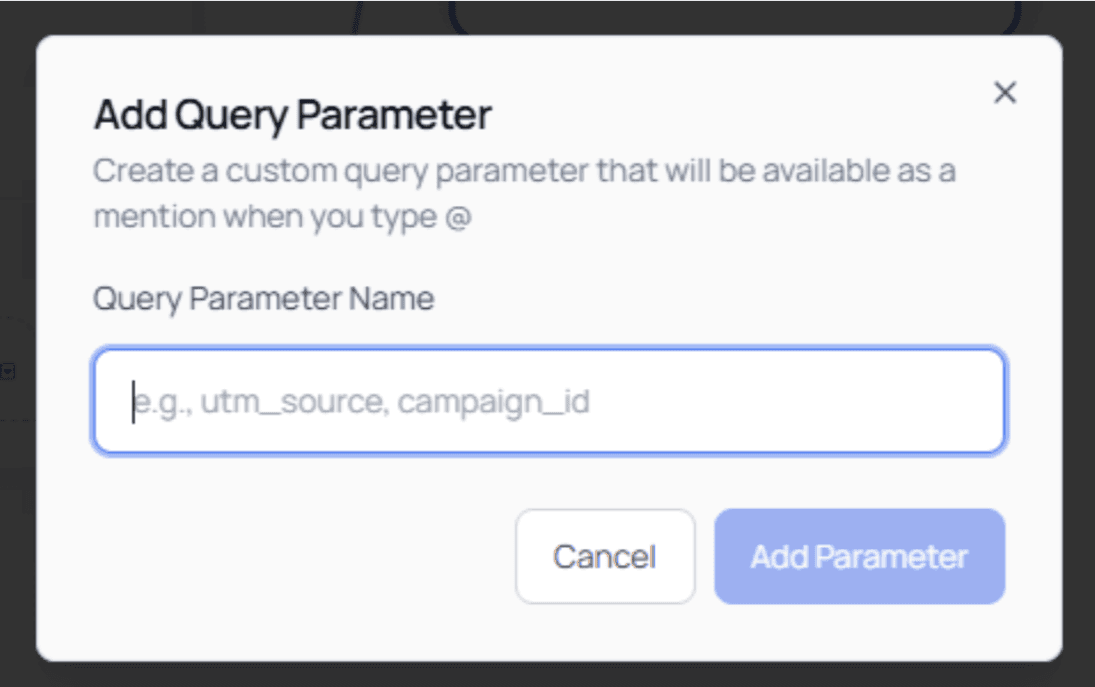
Example:
We create a parameter calledtest_query_param.Once added, it appears in your @Mention list:
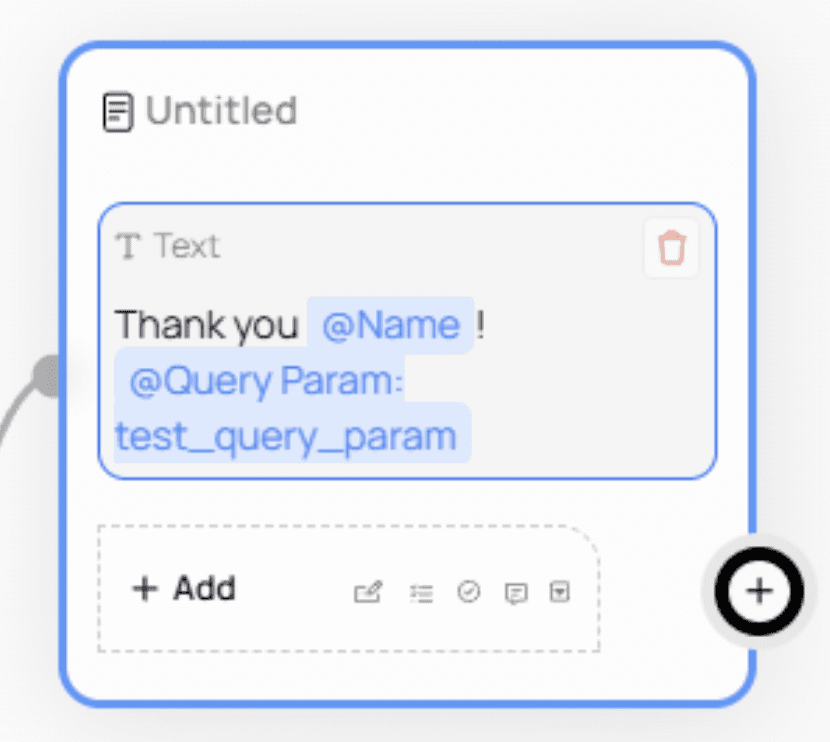
Using Query Parameters in Your Form
If a user opens your form with the parameter in the URL:
Formflow captures the value and makes it available through the mention.

⚠️ Important:
The parameter name in the URL must match exactly the name you created.
Any mismatch will result in an empty value.Example of a URL that will not work because the name is different: