Formflow offers multiple ways to upgrade your subscription so you can unlock additional features as your needs grow.
You can upgrade your plan directly from the sidebar.
In the bottom-left corner of the sidebar, you’ll see your Organization name and current plan.
Click this area to open the account menu.
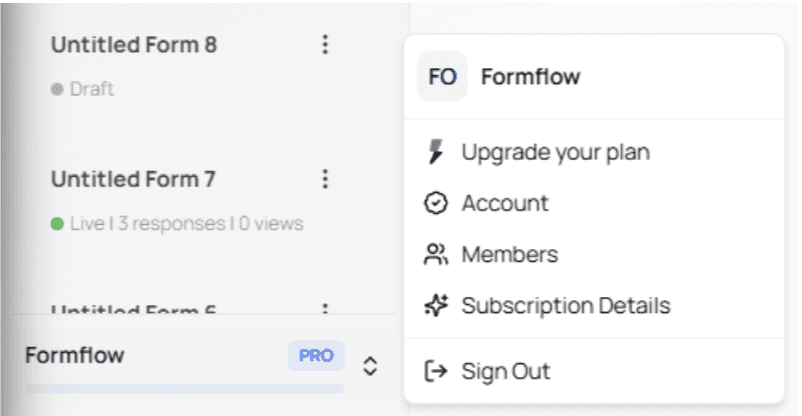
Select Upgrade your plan to proceed.
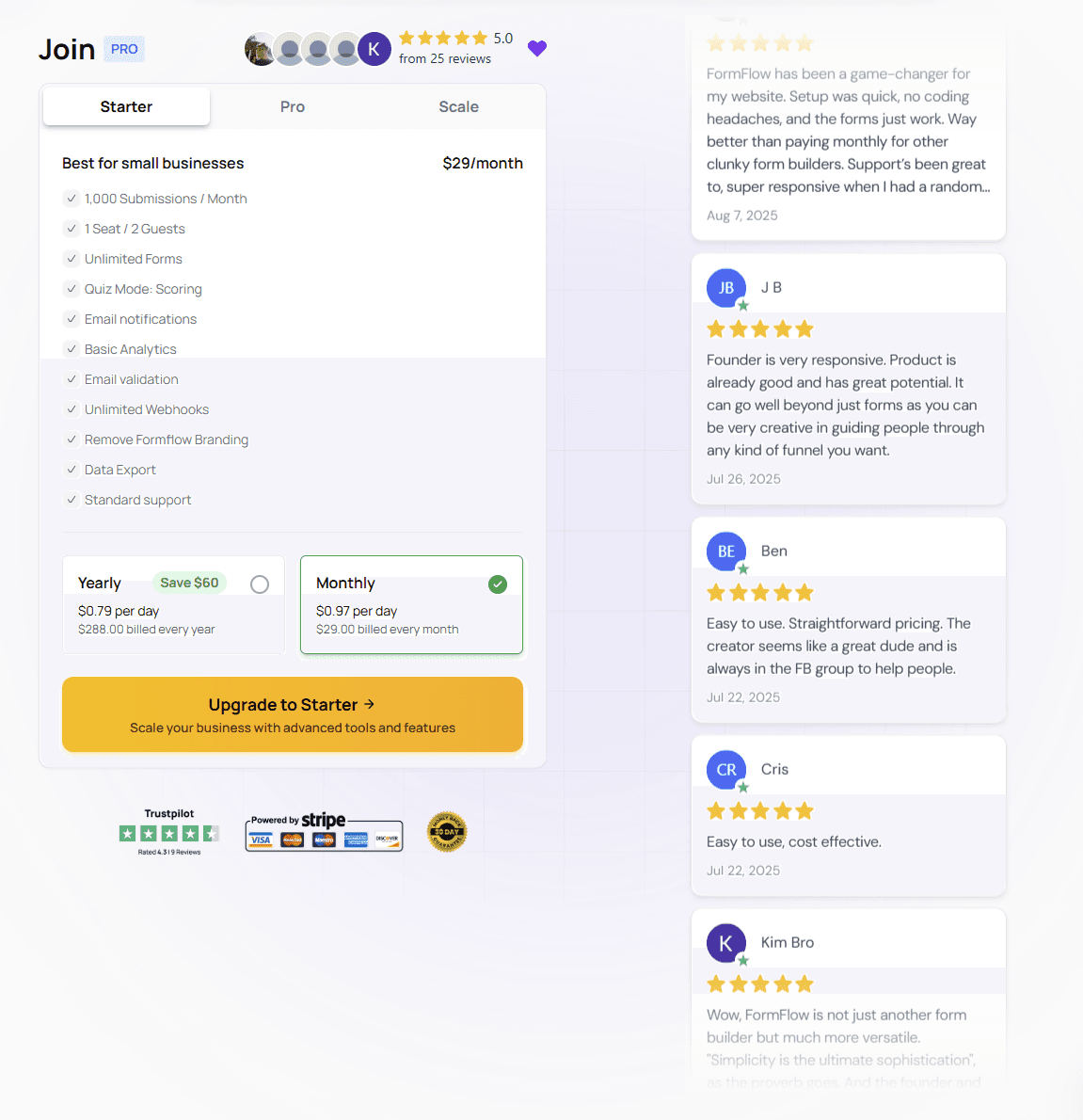
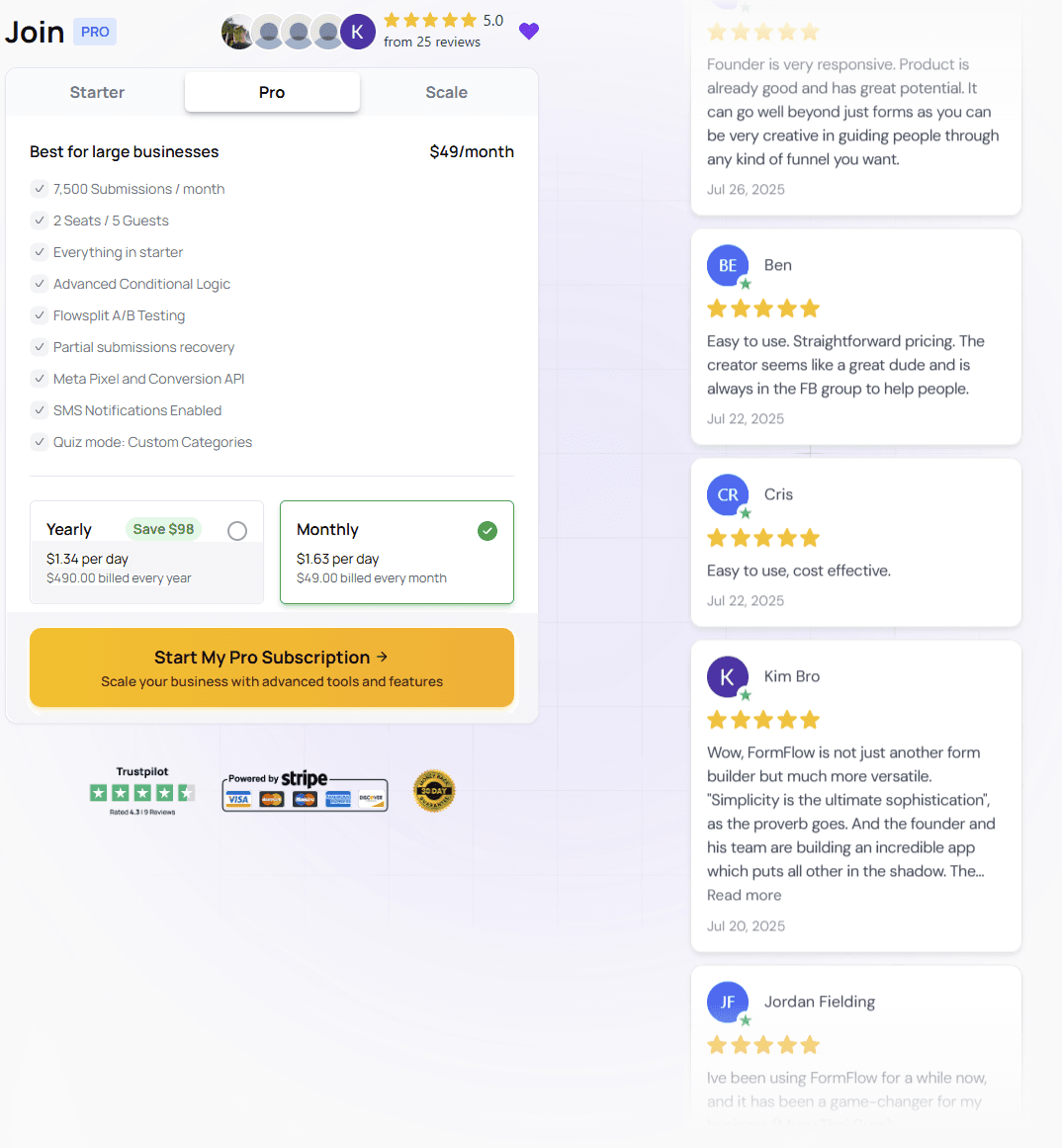
You’ll be redirected to the Subscription page, where you can choose from three available plans:
Starter
Pro
Scale
Each plan can be purchased using one of two billing options:
Monthly billing
Yearly billing
⚠️ Note:
Plan features and pricing may change over time. Always refer to the subscription page for the most up-to-date information.
All available features for each plan are listed on the subscription page.
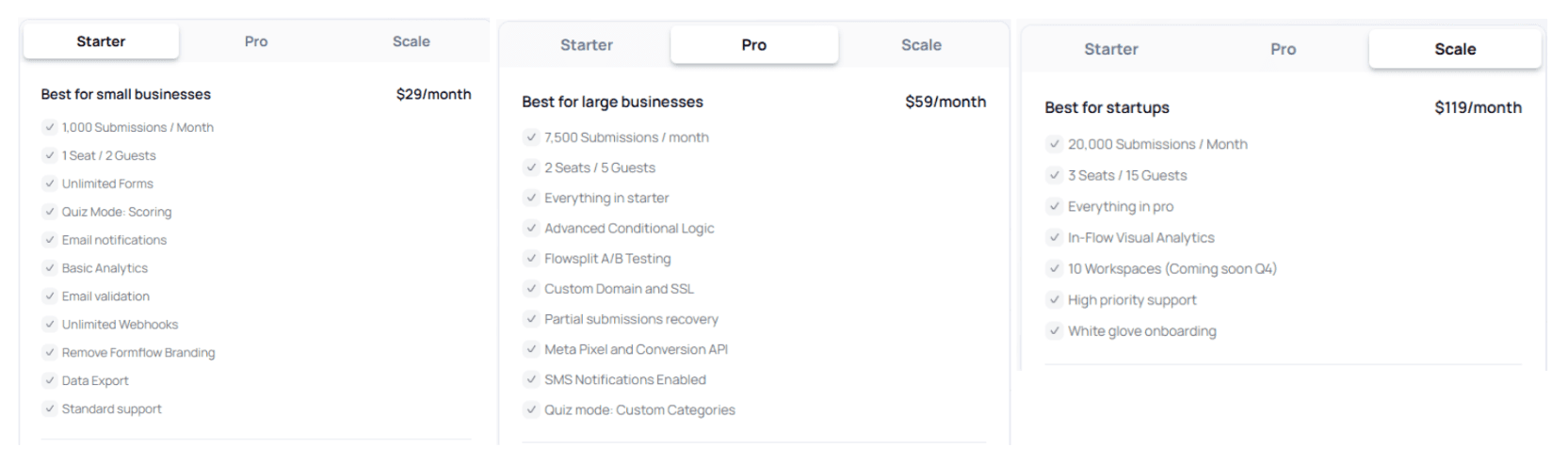
Review the differences carefully to choose the plan that best fits your use case.
To upgrade your subscription:
Select your desired plan
Choose your billing cycle
Click the Upgrade button
You’ll be redirected to the payment page.
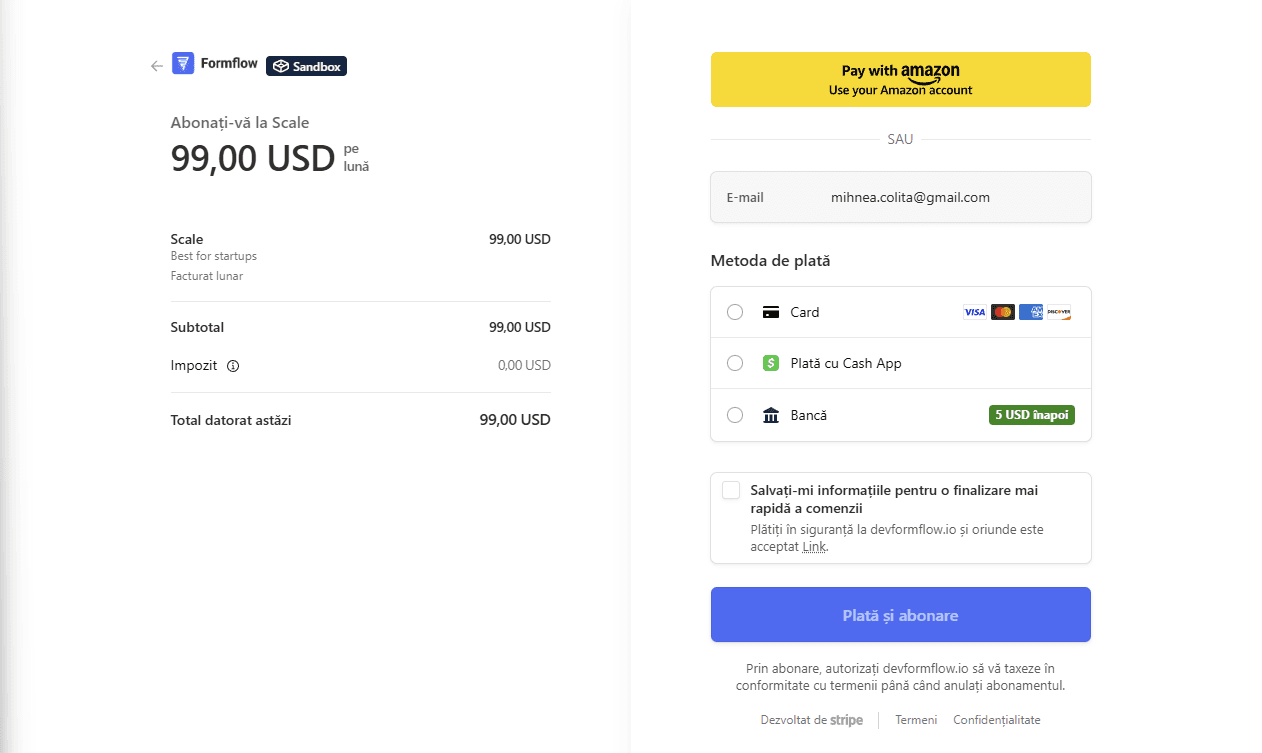
After entering your payment details, click the blue button to complete the purchase.
If the payment is successful, you’ll see a confirmation screen.

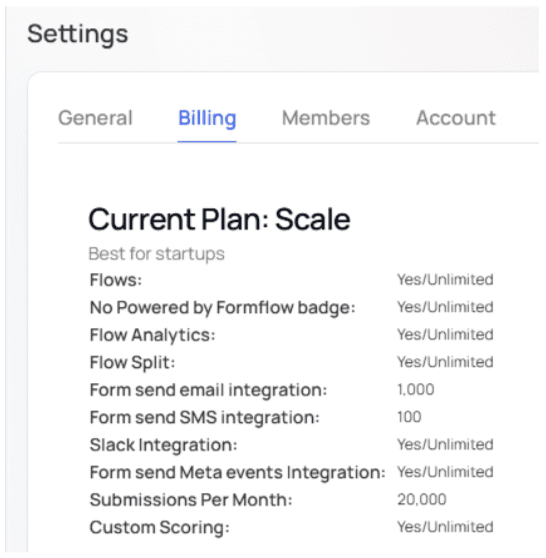
To verify your upgrade, navigate to the Billing tab.
You may also be prompted to upgrade while using the app.
Some features display a lightning icon, indicating they’re available only on higher plans.
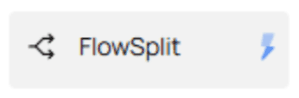
Clicking one of these features will open an upgrade modal.
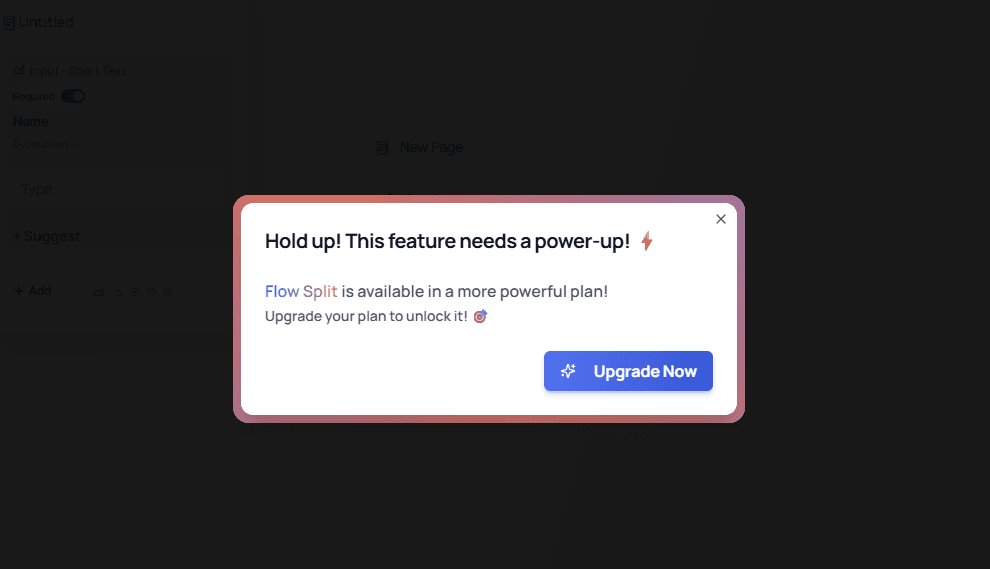
Select Upgrade now to return to the Subscription page and complete the process.
💡 Tip:
Feature-based upgrade prompts make it easy to unlock advanced functionality exactly when you need it — without leaving your workflow.