Creating a New Account
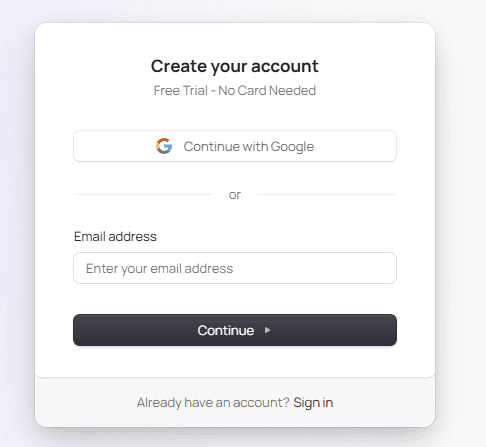
To get started with Formflow, create your account by following these steps:
Choose one of the following login options:
Continue with Google
Sign up with your email address
Important:
Please use the same email address you used to purchase your Formflow plan.
This ensures your account automatically receives the correct access and features.If you choose Continue with Google
Select the Google account you’d like to use.
Make sure this Google account uses the same email you used during purchase.Note:
If you signed up using a Gmail address, you can later log in by selecting Continue with Google.
Choosing the same Gmail address will automatically log you into your existing Formflow account — it will not create a duplicate account.If you sign up with your email
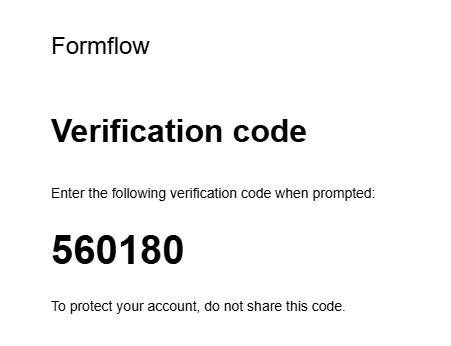
You will receive a message containing either:
a One-Time Code, or
a Login Link
Follow the instructions in the email to complete your sign-up. Example of email:
Onboarding Steps
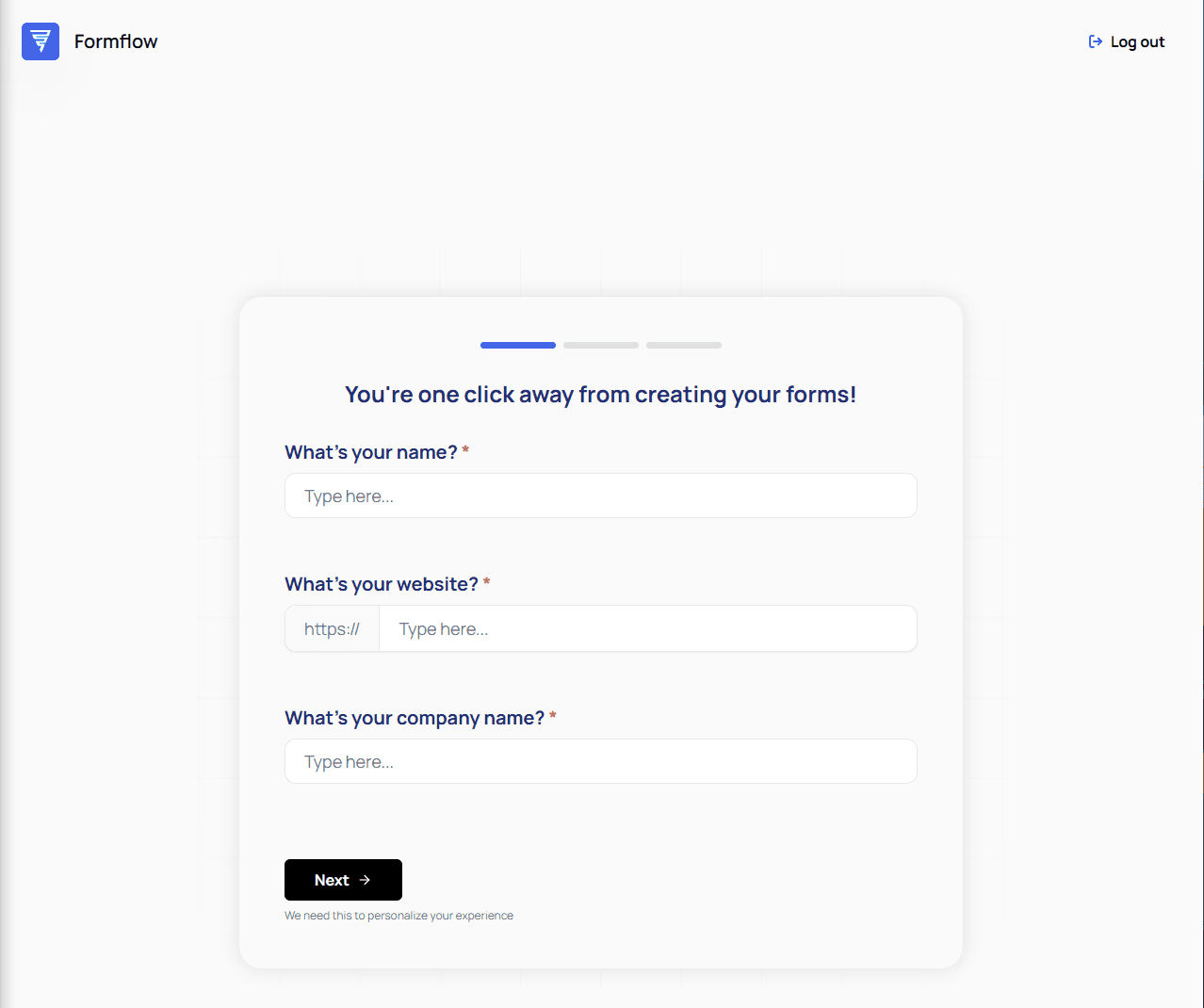
When you log in for the first time, you will see the Onboarding page, which helps us collect essential setup information.
Create your first form
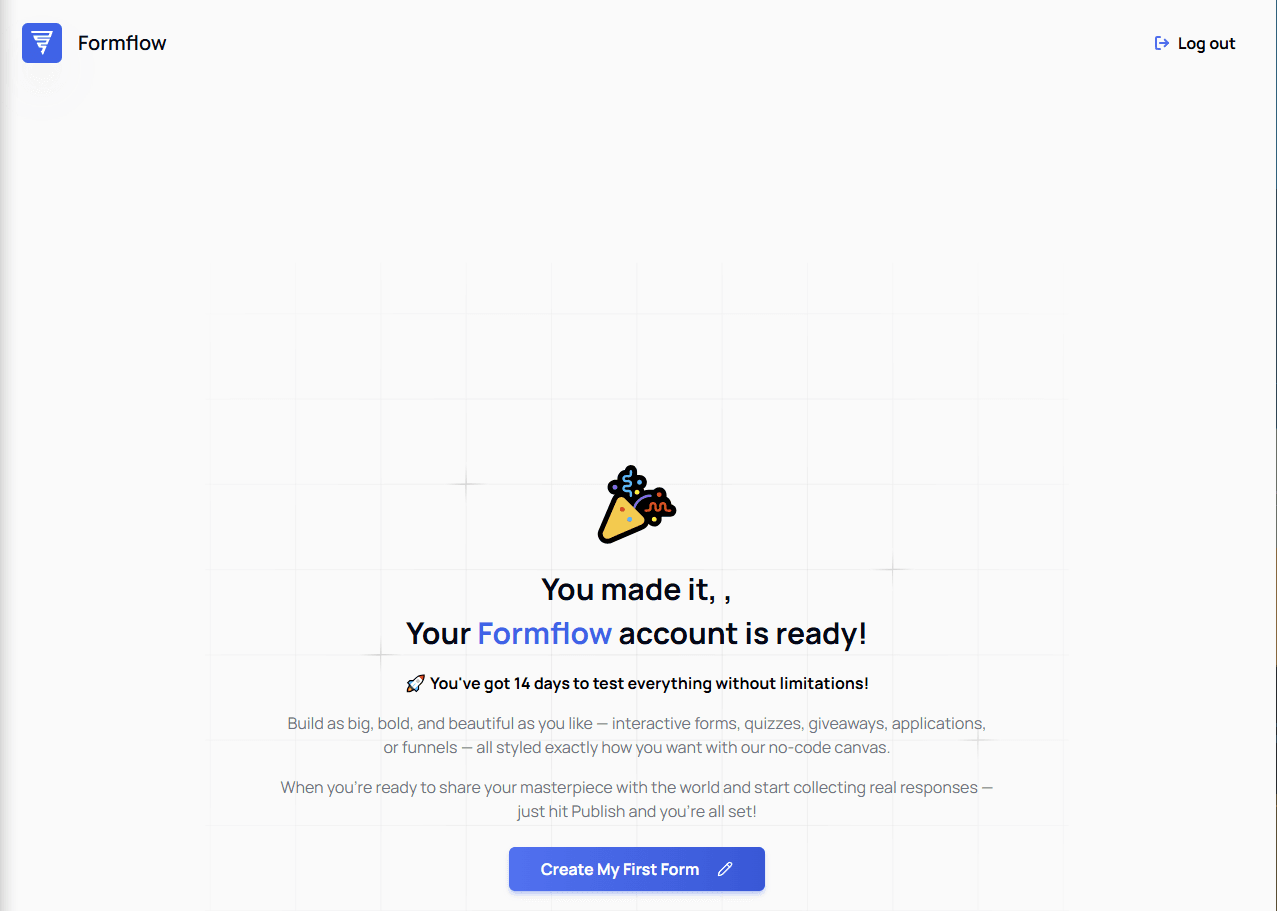
Once completed, you’ll be taken to the next screen where you can create your first form.
Additional Quickstart Resources
If you prefer a broader introduction before diving into the onboarding steps, we also provide a Formflow Quickstart guide — a high-level overview of the platform with a video walkthrough included.
👉 Formflow Quickstart: Overview of the Platform
You can use this as a companion to the onboarding steps for a smoother start with Formflow.