The Share page is the final section of the island menu inside the Canvas.
This page provides everything you need to publish, share, and embed your form.
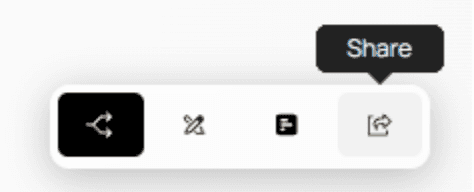
On this page, you will find:
The public link to your published form
The embed code used for embedding Formflow into any website
A dummy uncached version of your form — perfect for testing without saving responses
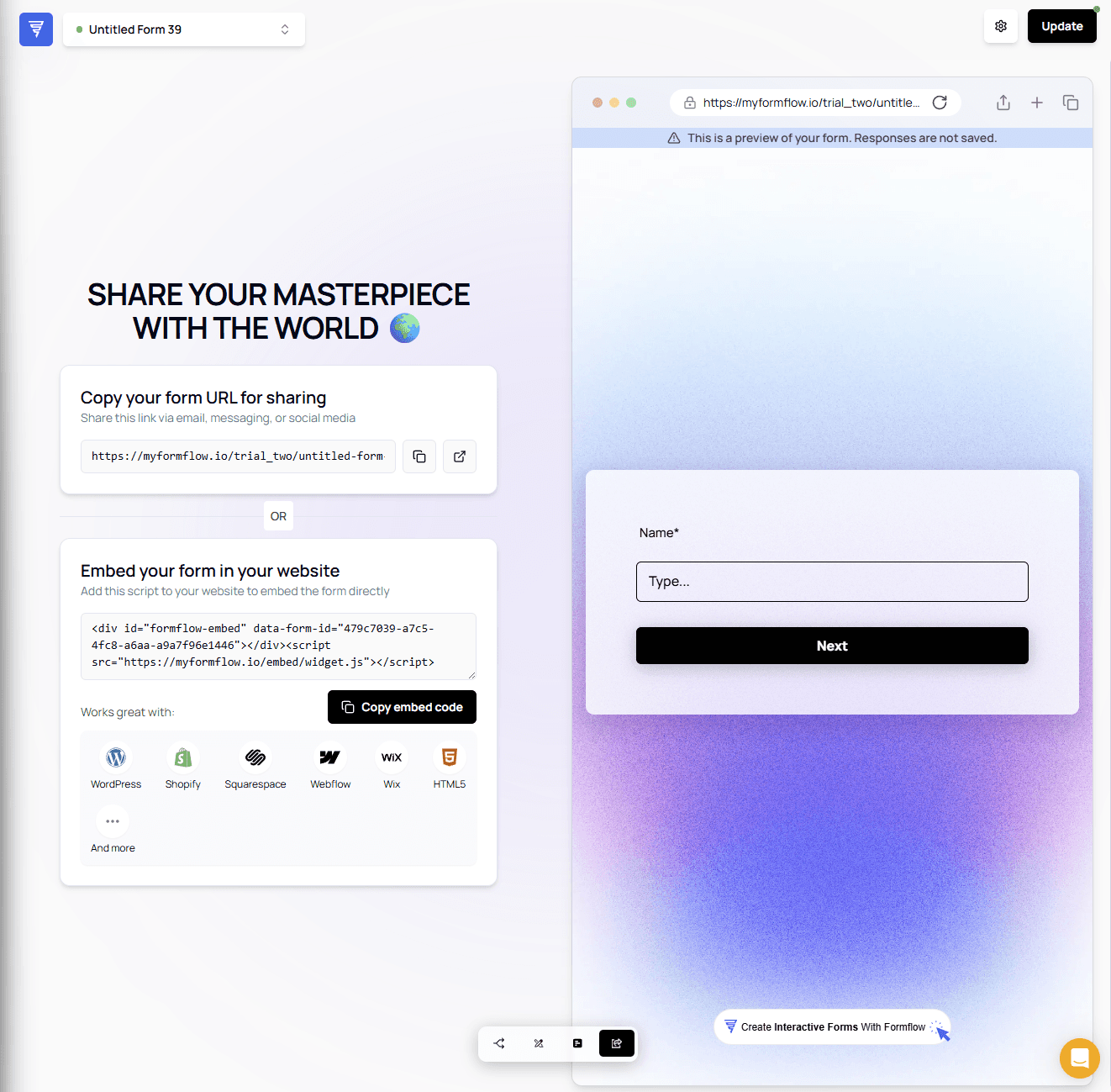
Form URL
The first section contains your form’s public URL.
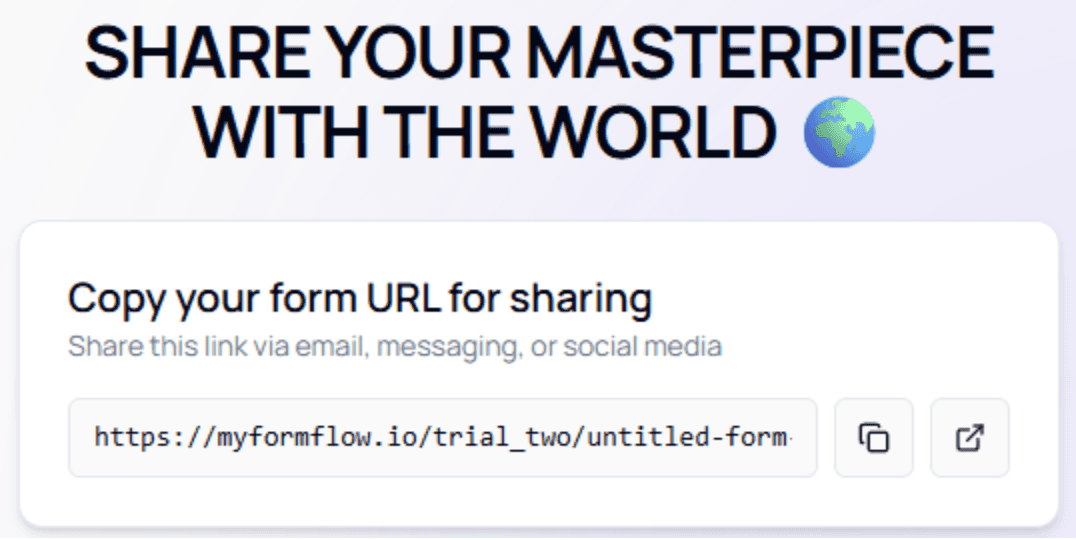
The buttons next to the link allow you to:
Copy the URL
Open the form in a new tab
💡 Tip:
This is the link you’ll share with users or connect to your website buttons.
Embed Code
The next section provides the embed code for inserting your form into external platforms such as Squarespace, Webflow, WordPress, or custom websites.
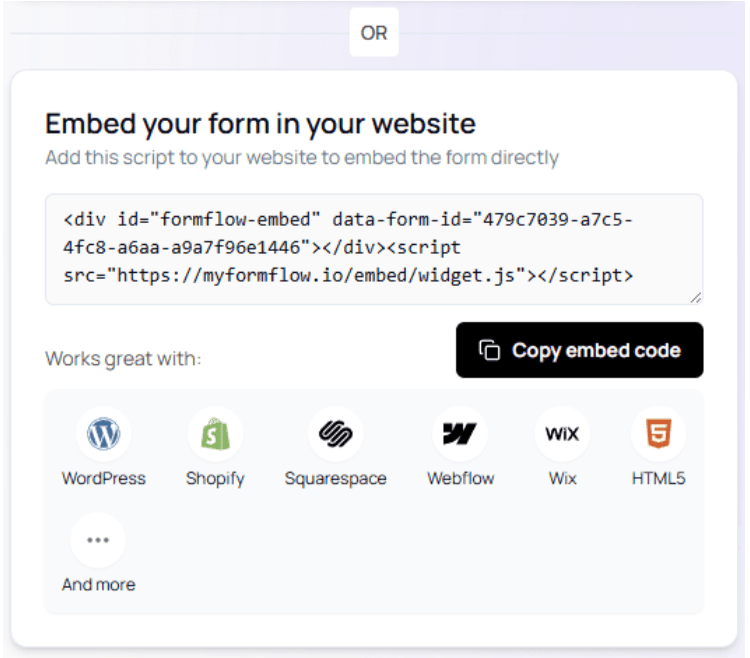
Using the embed code ensures your form loads reliably and maintains styling consistency.
Uncached Form Preview
On the right side, you'll see a live, uncached version of your form.

This version:
Does not store responses
Is ideal for testing flow changes
Helps you verify styling, logic, or conditional paths before going live
⚠️ Important:
Use this view to check real-time behavior without overwriting your actual form results.
Embedding Your Form (Example: Squarespace)
Below is an example using Squarespace to demonstrate how to embed your form using the code snippet.
The steps will be similar on most website builders.
Open the Editor
Select a template, then open the site editor.


Add a New Section
Choose where you'd like to place the form and add a new blank section.

Add a New Block
Inside the new section, add a content block.

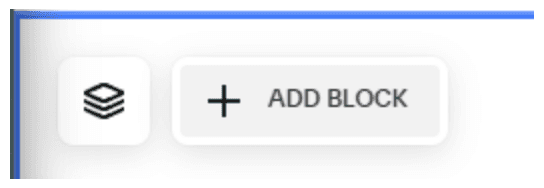
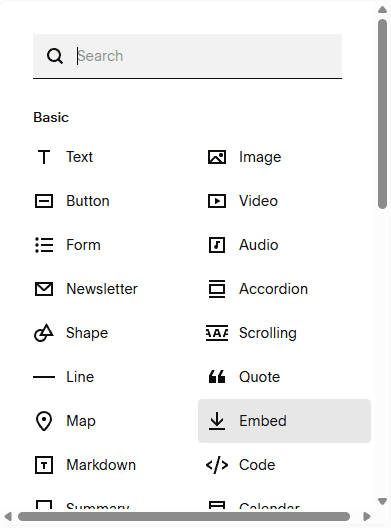
Choose an Embed Block (block type may vary depending on the platform).
You can position or resize the block however you prefer.
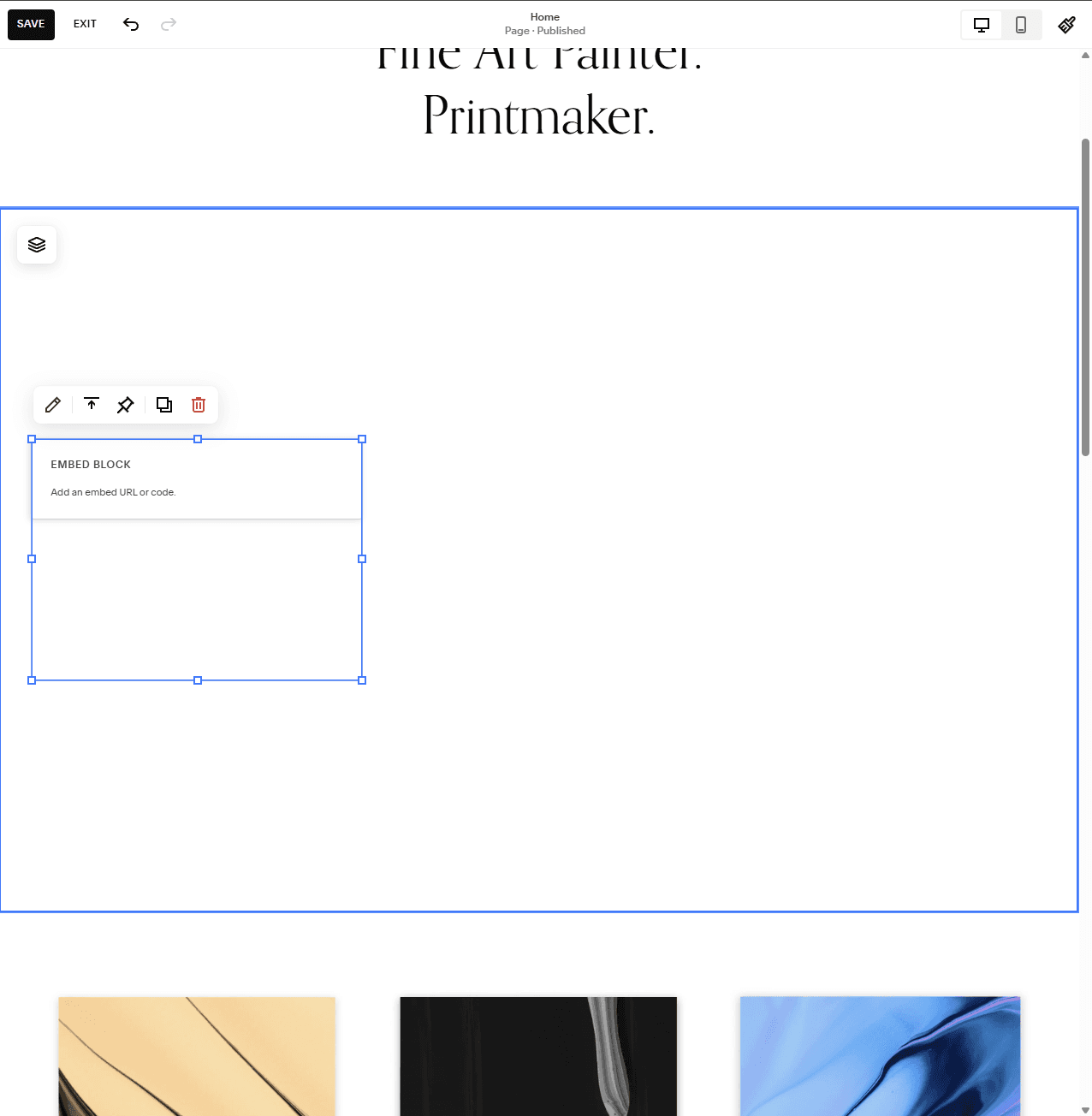

Edit the Embed Block
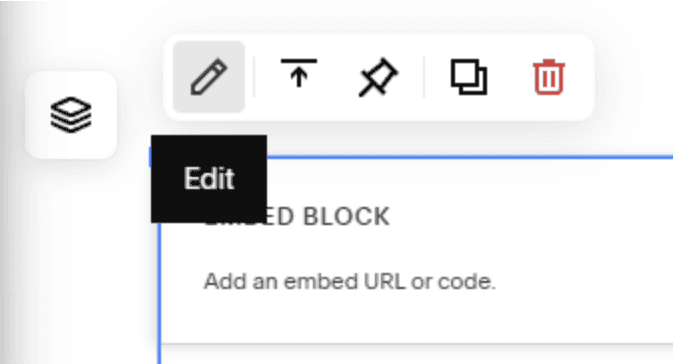
Click the Embed Block to access additional options.
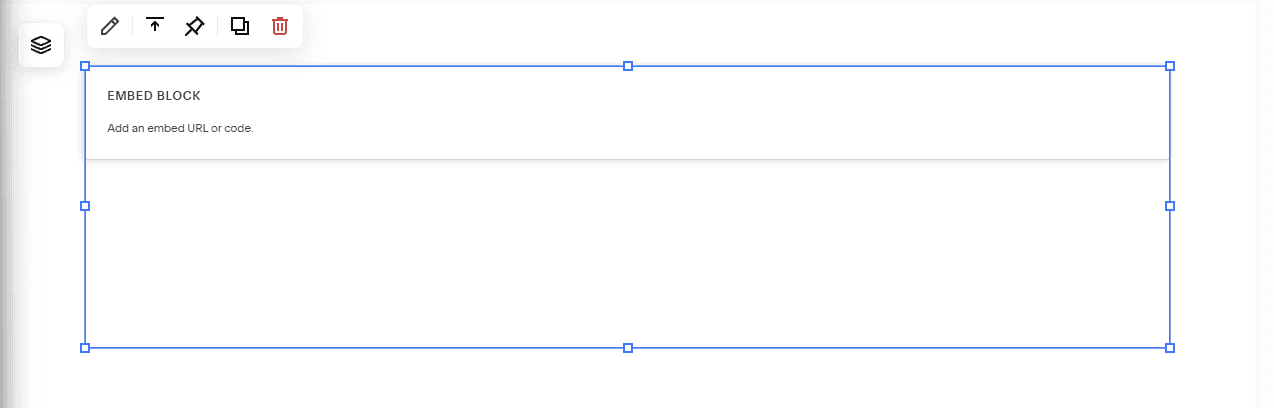
Choose Edit to insert your form code.

💡 Best Practice:
While you can embed using only the link, the embed code provides the most reliable and consistent display across platforms.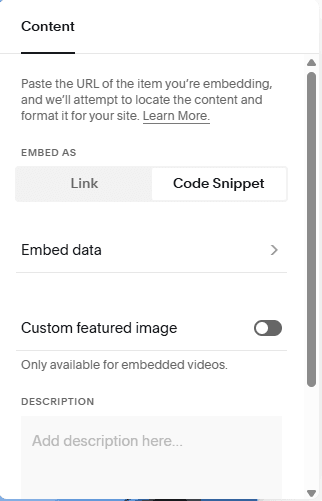
Select Code Snippet, then click Embed Data.
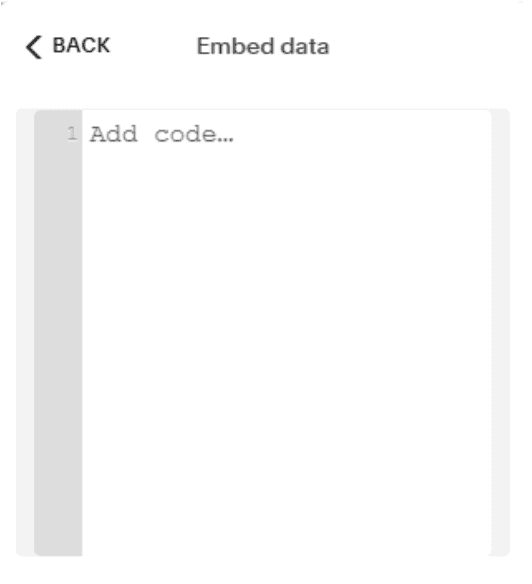
Paste the Formflow embed code → Save → Exit the editor.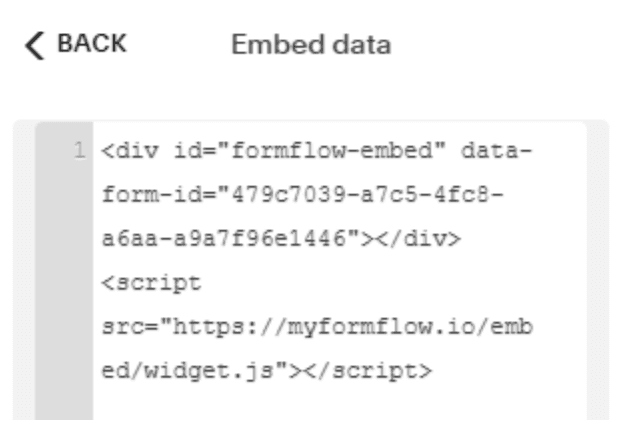

Your form is now fully embedded!